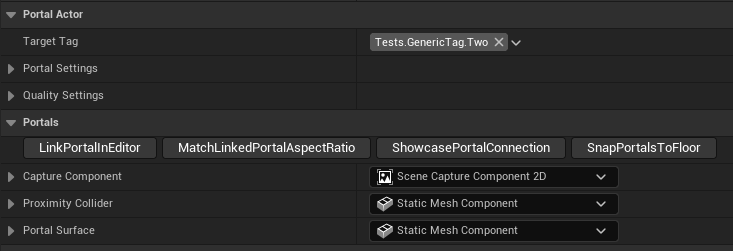
LinkPortalInEditor
this establishes the link in the editor instead of at runtime, so you can get a preview of the view.
C++ Realtime Seamless Portal implementation in Unreal Engine 5.6
During the 4th year of my study, I worked on a realtime seamless portal system in Unreal Engine 5.6. It supports scaling the player, based on the scale difference between the start and target portal and easily switching/enabling/disabling portals during runtime based on gameplay tags. It will automatically disable the portal if a surface isn't visible -or a certain distance away- to save performance.
It includes some utility inspector functions as well, to make development a bit easier
this establishes the link in the editor instead of at runtime, so you can get a preview of the view.
If a target portal is selected, this will ensure that the target portal shares the same aspect ratio as the current portal (the different size scales), which is recommended to avoid any gaps, which aspect ratio that is doens't matter.
This enables gizmos that show the connection between these portals; so you can more easily find the end portal.
Pressing this button will attempt to detect the floor beneath (and slightly above the bottom) each portal -within a certain distance- and snap the portal's position to there. Which is very useful to avoid the situation where one portal is slightly below the floor, resulting in a gap.
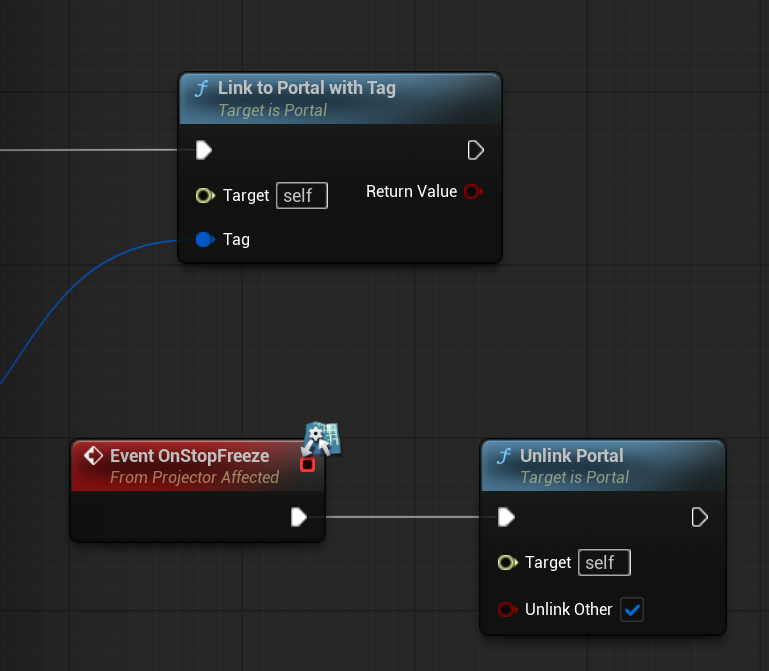
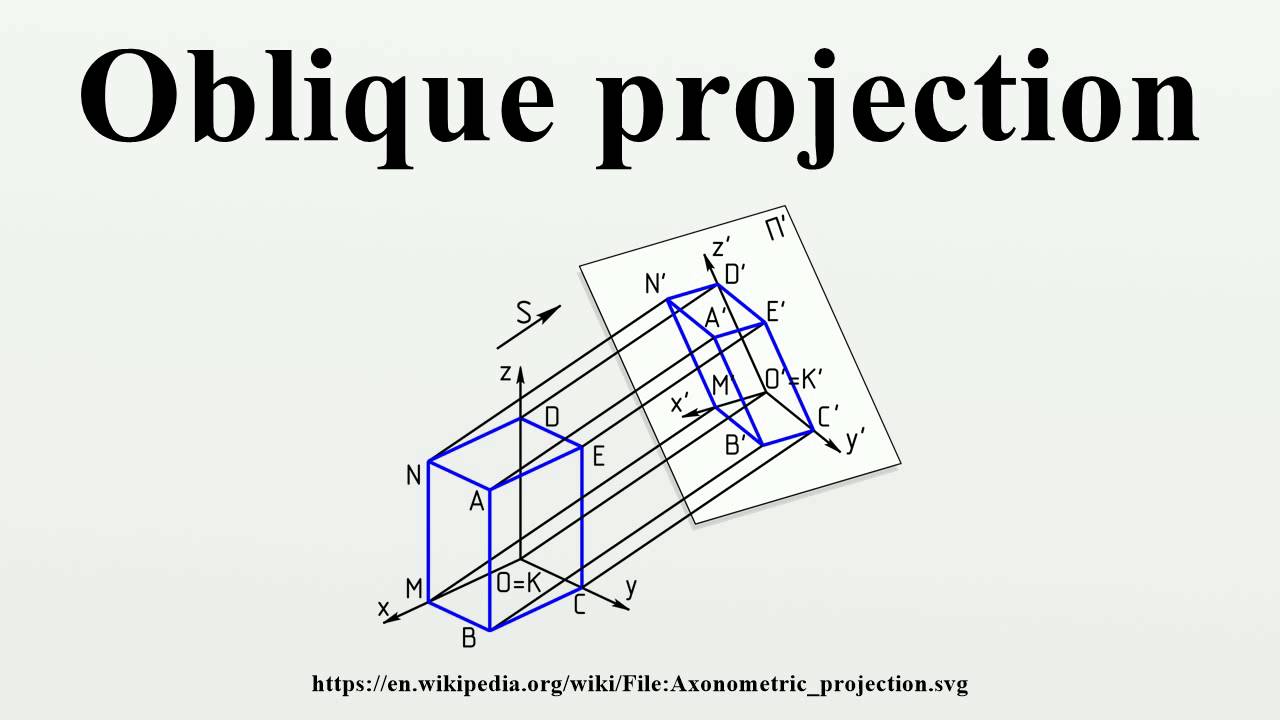
The implementation makes use of Unreal Engine subsystems, a custom render feature, render targets/scene capture components and matrices. The portal subsystem owns a pool of render targets, which are lent out to portals. If a portal deactivates it returns it's render target to the pool. If a target is requested, but none are currently available, it creates a new one. Paired with the distance/occlusion based deactivation/activation of portals, this has helped keep the memory usage down. Each portal has a SceneCaptureComponent that records their view of the scene to the render target, the render targets use a configurable resolution, to reduce the performance impact, while not sacrificing the visuals too much. It also makes use of an oblique projection matrix, and slightly warps the surface panel inwards, to improve the visual quality, and remove any form of flickers.
One problem encountered -among others- is a brief flicker when moving through the portal. After some looking around and searching through the engine source code, I was able to find the cause- the occlusion culling in Unreal Engine is one or two frames behind of the gameplay. Then the sudden jump cut, made it so the engine still tought nothing was visible for a frame, until the occlusion updates, Unreal Engine does have a jump cut method on the camera, but this didn't update occlusion, only temporal effects. I ended up being able to "fix" this, by disabling occlusion for one frame during the cut frame, it feels like there could be a better solution for this, but I was unable to find one at the time.
When manually capturing the scene component, I noticed a significant performance regression, so instead; when the portal is enabled, it will enable "bCaptureEveryFrame" letting the engine handle the capturing to the render target, and during deactivation it disables the flag again.